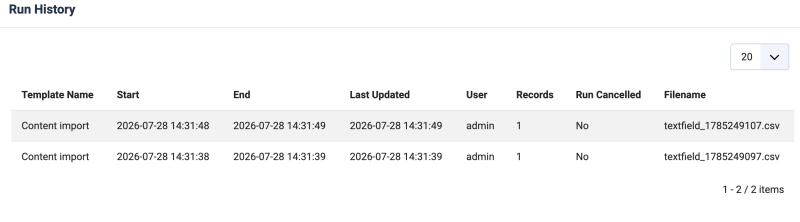
See the Run history for a template by using the Run History button. This will show you a list of details, like the Logs, when the template ran and it's details.
Using Run History for a template
With RO CSVI 9.11.0 version we have added a new button for templates to list the details of when the template has run.
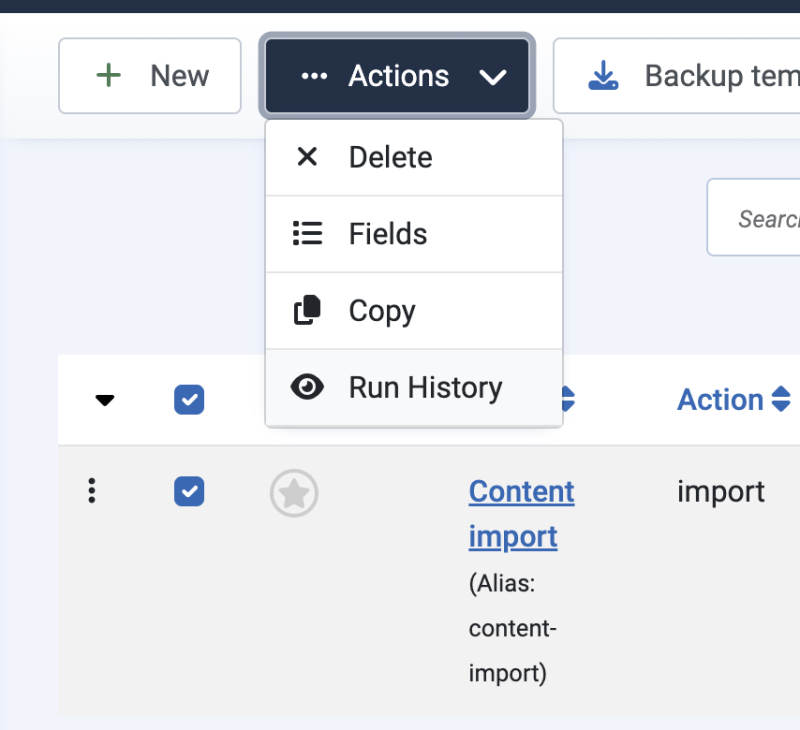
The name of the button is Run History and can be found in toolbar in Templates list page and also on Template edit page.

This is similar to RO CSVI logs page but the details are specific for the selected template. Clicking on Run History button will open a modal with the history details of when the template ran.