RO CSVI supports subforms and nested subforms as individual fields since version 9.11.0. This allows you to manage each individual subform field as a single field.
RO CSVI has included support for import and export into and from nested subforms with Joomla custom fields.
This nested subform is supported with the following addon import and export templates.
- Joomla categories import
- Joomla categories export
- Joomla content import
- Joomla content export
- Joomla contact import
- Joomla contact export
- PhocaCart Product import
- PhocaCart product export
- Joomla users import
- Joomla users export
In this document we explain on how to import and export nested subforms for Joomla content. The format is same for other supported addon import and export.
Consider the following layout with fields
->Parent subform
--> Child text field
--> Child subform
---> Level 1 child text field
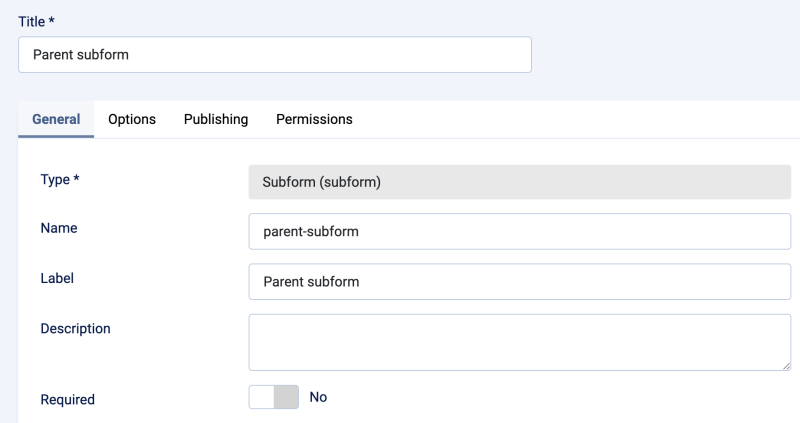
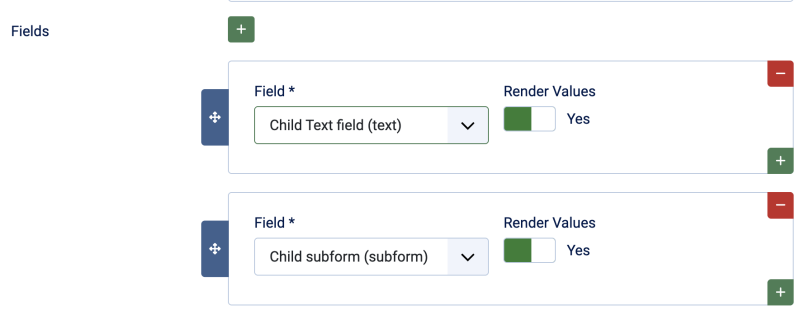
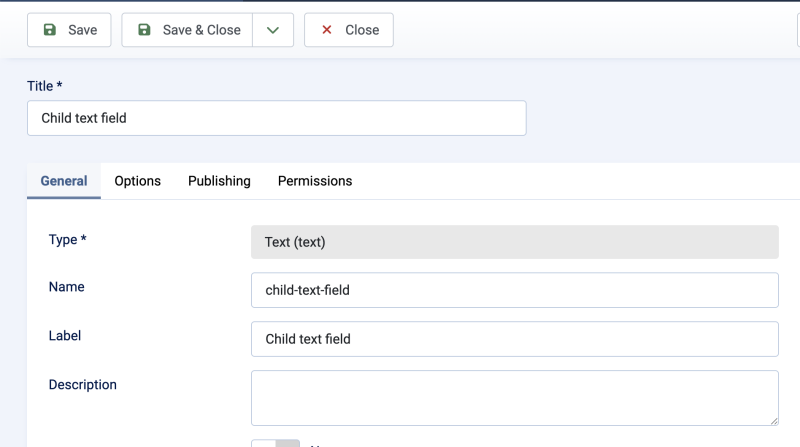
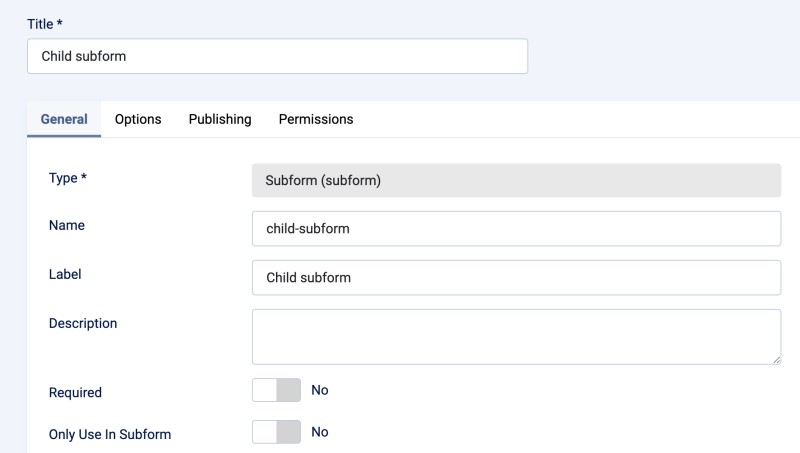
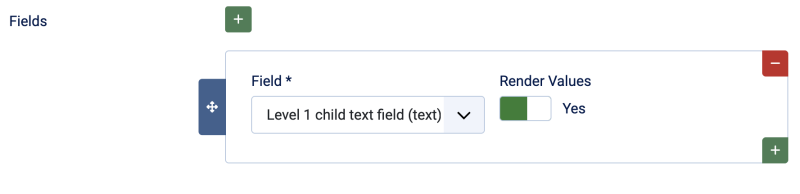
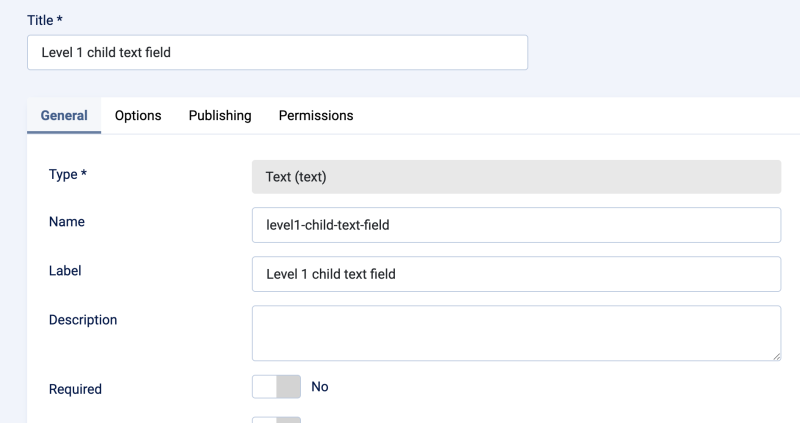
To import this nested subform
- Create custom fields for Joomla articles
- Run update of available fields
- Create Joomla content import template
- Run import with below sample CSV file
title,category_path,parent-subform_child-text-field,parent-subform_child-subform_level1-child-text-field
Sample article,parent-cat/child-cat, Text field value, Next level text value
The fields will now have path starting from parent subform field. Like for Level 1 child text field the available field is created as parent-subparent-child so the path looks like parent-subform_child-subform_level1-child-text-field. These same fields are available in export as well. Just add the fields and run the export so the values are exported in more readable and editable format.
For a subform multiple values are separated by |. If a subform has multiple rows then those values are separated by ^. In the below example parent-subform_child-subform_level1-child-text-field has two rows and so they are separated by ^. So multiple values in each row are separated by | and multiple rows are separated by ^.
title,category_path,parent-subform_child-text-field,parent-subform_child-subform_level1-child-text-field
Sample article,parent-cat/child-cat,Text field value1|Text field value2,Next level child text1|Next level child text2|Next level child text3^Next level child text4|Next level child text5|Next level child text6